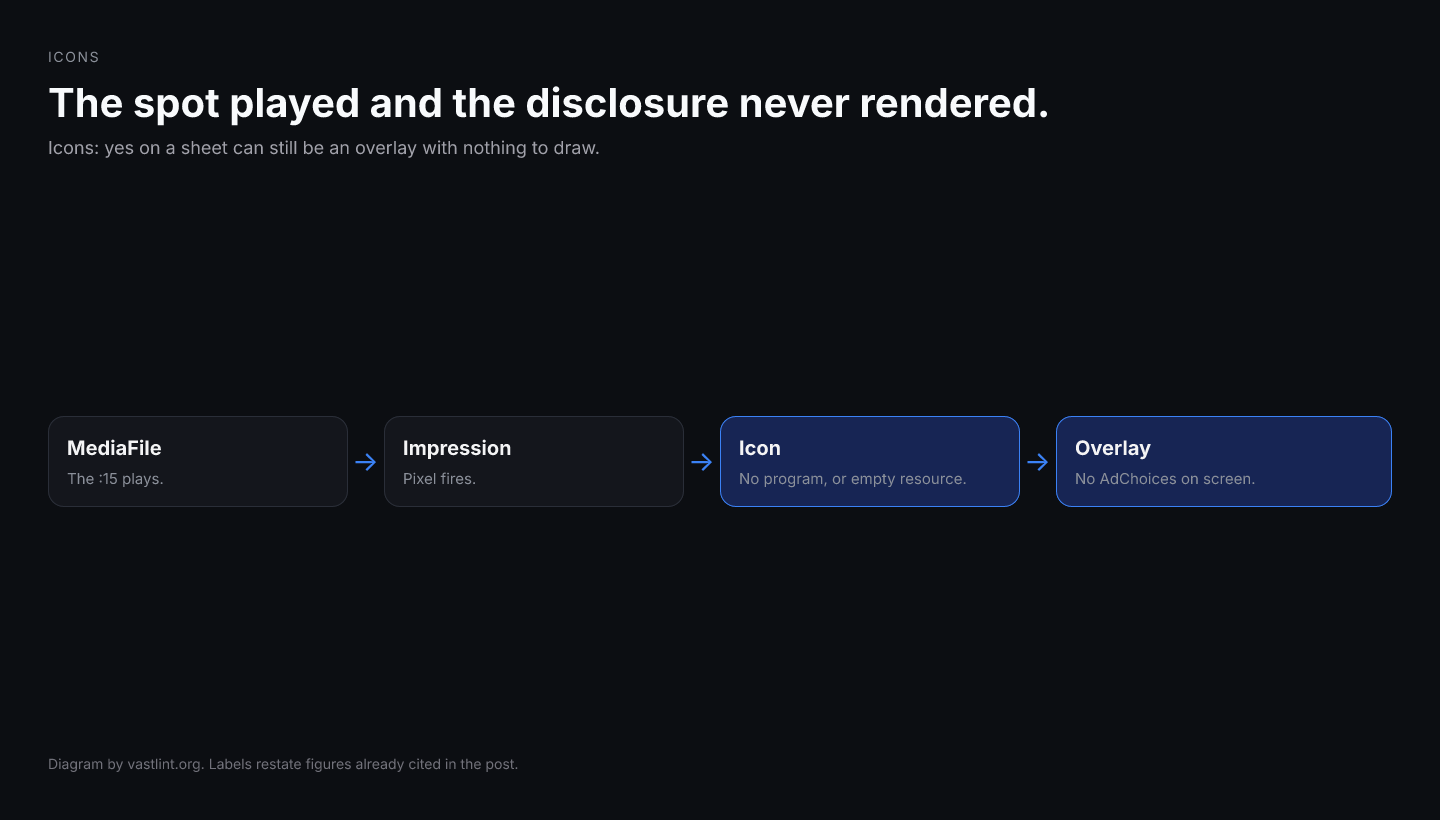
A CTV pod can deliver a clean :15, fire every quartile, and still ship zero visible disclosure. The buyer's compliance review assumes AdChoices appeared because the trafficking sheet says Icons: yes. The seller's player logs a completed view. Neither dashboard names the overlay that never rendered, because the linear MediaFile played and the impression pixel fired on schedule.
The usual production bug is not a missing DAA browser extension on the living-room device. It is an Icon element that exists in the XML but cannot be drawn: program missing so the player does not know which overlay slot to fill, width and height absent so layout math fails, xPosition and yPosition empty so the badge lands off-screen or defaults unpredictably, or a StaticResource with an empty CDATA body so there is metadata but no fetchable image.
IAB Tech Lab introduced Icons under Linear in VAST 3.0 so ad servers could ship industry overlays (AdChoices, why-this-ad, custom program badges) inside the same document as the creative. VAST 4.4 draft work extends Icons to NonLinearAds for pause and portfolio formats. This piece is the container check: where Icons lives, which attributes must be present before any CTV SDK paints pixels, and what validation can catch while the video still plays normally.
Why a silent icon failure is a compliance and revenue problem
Self-regulatory programs treat visible AdChoices as part of the buy, not a creative nice-to-have. When the badge never renders, the campaign can be out of policy with the publisher and the program even though delivery metrics look fine. Support tickets arrive weeks later when a manual screen capture on one device model shows no triangle in the corner.
That delay is expensive because nobody reconciles icon presence in the same pipeline as quartile completion. DSP dashboards count impressions. Publisher ad servers count starts and completes. Neither side tracks whether Icons resolved to a bitmap on the glass. The failure mode looks like a player bug until someone pastes the VAST and notices the Icon block is hollow.
SSAI stitchers compound the problem. Many templates copy MediaFiles and Impression faithfully and treat Icons as optional decoration from an upstream era. The stitched InLine the device receives may declare version 4.2 while omitting the Icons subtree that lived on the pre-stitch Linear. The spot transcodes and plays. The disclosure overlay from the trafficking export never reaches the player parser.
Wrapper chains create the same invisible loss. Icons can sit on Linear inside an InLine three redirects deep. QA that validates hop one sees an Icon with program AdChoices and assumes compliance. The final InLine the player resolves under timeout may have dropped Icons when an intermediary flattened the document to VAST 2.0 shape for latency.
What Icons actually carries in the document
Icons is a container under Linear (and, in VAST 4.4 draft guidance, under NonLinearAds for pause-style units). It holds one or more Icon children. Each Icon names its purpose with program (commonly AdChoices), declares width and height in pixels for layout, and pins placement with xPosition and yPosition, which accept keywords like left, right, top, bottom or numeric offsets per the schema.
Optional duration and offset attributes tell the player how long the overlay stays visible and when it enters relative to the linear timeline. Without them, behavior is player-defined: some SDKs show the badge for the full ad, others hide it after a few seconds, and QA across devices diverges even when the XML is identical.
The Icon is not the image. Like Companion and NonLinear, it must wrap a renderable resource: StaticResource for PNG and GIF badges, IFrameResource or HTMLResource for markup-heavy disclosures. IconClicks optionally carries IconClickThrough and IconClickTracking so the badge links to the opt-out or why-this-ad page. VAST 4.2 added IconClickFallbackImages for environments where click-through is blocked.
None of this executes at ad-server response time. The player parses the final document, reserves a rectangle from width, height, and position, fetches the resource URL, and composites the overlay on the video surface for the declared window. If any required attribute or the resource URL is missing, most stacks skip the overlay silently and continue linear playback.
Where Icons lives: Linear, NonLinearAds, and the chain you must fetch
On VAST 3.0 through 4.3, Icons is a sibling of MediaFiles and TrackingEvents under Linear inside Creatives. It is not an InLine-level metadata field and not a substitute for CompanionAds. Checking a trafficking export that lists Icons on a wrapper while never unwrapping to the InLine is the same category error as validating Duration on hop one only.
Operational QA should mirror how the player resolves the chain. Paste or fetch the entry URL, follow VASTAdTagURI redirects until you hold the InLine (or the deepest document your player timeout allows), and validate Icons on that merged view. A green first hop plus a missing Icons block on the InLine is a common false negative in manual review.
For SSAI, validate the document the device receives after stitching, not only the pre-stitch asset in the creative library. Stitchers that rebuild InLine from MediaFiles alone often omit Icons even when the upstream chain included them. The living-room player never sees the upstream overlay contract.
VAST 4.4 draft work places Icons under NonLinearAds as well, so pause and portfolio formats can carry the same AdChoices disclosure as linear pods. The attribute and resource rules on Icon itself do not change; only the parent path moves. Validation must target the creative type you actually traffic.
What Icon validation can catch before playback
- Icons containing anything other than Icon elements.
- Icon missing the required program attribute, or program present but empty.
- Icon missing required width, height, xPosition, or yPosition.
- Icon with no StaticResource, IFrameResource, or HTMLResource child.
- StaticResource missing creativeType or carrying an empty CDATA URL.
- HTTP icon asset URLs on HTTPS-only CTV inventory.
- IconClicks with unknown child elements that break schema parsing.
- Duplicate program values when the player expects one badge per program slot.
- Icons present on the trafficking export but absent on the unwrapped live InLine or post-SSAI output.
Required attributes versus the attributes players actually use
VAST 3.0 made program, width, height, xPosition, and yPosition required on Icon. That is stricter than many legacy feeds assume. Trafficking tools sometimes emit duration and offset copied from a template while leaving width and height blank, expecting the player to infer size from the asset. Parsers that enforce the schema reject or skip the Icon; lenient parsers may draw a zero-size box.
program identifies which industry overlay this entry represents. AdChoices is the common value for the DAA triangle. Custom program strings are valid when you ship proprietary badges, but empty program gives the player no slot key. Multiple Icon entries with the same program and overlapping geometry can collide on screen.
xPosition and yPosition use vastIntegerOrPercent_type in the schema, so right and top are valid keywords and numeric offsets are valid on Icon (unlike QrCodePosition in VAST 4.4, which is percent-only). Copying pixel coordinates from a QR block into an Icon without reading the type difference is a recurring generator bug.
<Linear> <Duration>00:00:30</Duration> <Icons> <Icon program="AdChoices" width="77" height="15" xPosition="right" yPosition="top" duration="00:00:30" offset="00:00:00"> <StaticResource creativeType="image/png"> <![CDATA[https://cdn.example.com/adchoices-77x15.png]]> </StaticResource> <IconClicks> <IconClickThrough> <![CDATA[https://optout.aboutads.info/?c=2&lang=EN]]> </IconClickThrough> <IconClickTracking> <![CDATA[https://track.example.com/icon-click]]> </IconClickTracking> </IconClicks> </Icon> </Icons> <MediaFiles> <MediaFile delivery="progressive" type="video/mp4" width="1920" height="1080"> <![CDATA[https://cdn.example.com/spot.mp4]]> </MediaFile> </MediaFiles></Linear>What a player does with that Icons envelope
After Linear resolves, the player reads Icons before or during startup depending on the SDK. For each Icon, it records program, computes screen coordinates from width, height, xPosition, and yPosition, fetches the StaticResource URL, and composites the PNG for the window defined by duration and offset.
IconClickThrough is separate from Linear VideoClicks. Tapping the badge should open the disclosure URL, not the advertiser landing page, unless you deliberately wire the same destination. IconClickTracking fires on interaction; it does not replace impression or quartile beacons.
If every field in the passing example is present, the badge still might not appear on a given CTV device because the SDK ignores Icons on that firmware build or because safe-area clipping removes a right-top overlay on ultrawide layouts. Envelope validation proves the tag handed the player a complete Icon contract in the shape VAST 3.0 expects; it does not prove pixel-perfect placement on every panel.
Get VAST spec updates, platform guides, and release notes in your inbox.
<Icons> <Icon width="77" height="15" xPosition="right" yPosition="top"> <StaticResource creativeType="image/png"> <![CDATA[]]> </StaticResource> </Icon> <Icon program="AdChoices" xPosition="120" yPosition="10"> <StaticResource creativeType="image/png"> <![CDATA[http://cdn.example.com/adchoices.png]]> </StaticResource> </Icon> <Tracking event="start"> <![CDATA[https://track.example.com/start]]> </Tracking></Icons>Why that block still looks compliant in a spreadsheet
Trafficking exports often reduce icons to a yes/no column: Icons present. The first Icon has width, height, and position, so the row looks populated. program is missing, so the player cannot classify the overlay as AdChoices versus a custom badge. The StaticResource CDATA is empty, so there is nothing to fetch even if program were fixed.
The second Icon declares program AdChoices but omits width and height, which are required in VAST 3.0+. xPosition 120 is schema-valid on Icon as an integer offset, but without height the layout engine may collapse the overlay to zero vertical space. The asset URL uses HTTP, which mixed-content rules block on many HTTPS CTV apps.
The stray Tracking node under Icons is not a valid child. Parsers that strict-reject the Icons container drop the entire block, including any partially valid Icon entries. Fix order: require non-empty program, width, height, xPosition, yPosition, a non-empty HTTPS StaticResource with creativeType, move creative tracking back under Linear TrackingEvents, and re-run validation on the unwrapped InLine the player will see.
What the Icon rule set should complain about
- VAST-3.0-icon-program because the first Icon has no program attribute.
- VAST-3.0-icon-resource or empty URL warnings because the first StaticResource CDATA is empty.
- VAST-3.0-icon-width and VAST-3.0-icon-height because the second Icon omits dimensions.
- VAST-3.0-icons-unknown-child because Tracking is not allowed directly under Icons.
- VAST-3.0-icon-attrs when recommended attribute combinations are incomplete.
- HTTPS-related warnings when icon assets use HTTP on secure inventory.
IconClicks, fallback images, and CTV remote input
IconClickThrough is how the viewer reaches the why-this-ad or opt-out experience. Omitting IconClicks entirely is schema-valid but weak for programs that expect a tappable disclosure. Many CTV remotes cannot click arbitrary overlays; some platforms treat IconClickThrough as informational only and open the URL on a dedicated button.
VAST 4.2 IconClickFallbackImages provides alternate static assets when click-through is unsupported. Each IconClickFallbackImage should carry width and height so the player knows the fallback dimensions before fetch. Missing those attributes produces the same silent skip pattern as a bare Icon.
Do not confuse Icon overlays with OpenRTB regs.ext.adchoices, which carries the DAA Protect My Choices signal in the bid request. That signal and the VAST Icon solve different hops: one is auction-time preference, the other is render-time disclosure on the creative. A bid can carry adchoices while the VAST Icon is hollow, and the viewer sees no badge.
A pre-launch Icons checklist
- Declared VAST version is 3.0+ and Icons sits under Linear (or NonLinearAds for 4.4 portfolio traffic) inside the InLine the player resolves.
- Every Icon has a non-empty program value appropriate to the badge (AdChoices for the industry triangle).
- Every Icon includes width, height, xPosition, and yPosition.
- Every Icon includes StaticResource, IFrameResource, or HTMLResource with a non-empty HTTPS URL and correct creativeType for static assets.
- IconClicks present when the buy requires a clickable disclosure, with IconClickThrough pointing at the program URL.
- duration and offset set explicitly when QA needs consistent timing across devices.
- Icons contains only Icon children; creative TrackingEvents stay under Linear.
- The unwrapped live chain, including post-SSAI output, still contains the same Icons subtree as the trafficking export.
vastlint check tag.xml --format json vastlint check tag.xml --fail-on-warning vastlint check "https://ad.example.com/vast?cid=9001" --unwrapWhat Icon validation cannot prove
A valid Icons envelope is necessary, not sufficient. XML checks do not download the PNG, verify the CDN returns 200, or confirm the CTV SDK implements Icons on that firmware. They do not prove the badge clears notch and overscan safe areas. They will not catch a stitcher that removes Icons after you validated the upstream chain.
They also will not replace manual capture on reference devices. Some players render Icons only on web and ignore them on native CTV even when the XML passes. Session logs from those SDKs rarely mention Icons; they simply never allocate the overlay layer.
If quartiles fire and compliance still reports missing AdChoices, compare the resolved InLine against the trafficking export. If the video never starts, fix MediaFiles first. If the video plays and Icons is absent or hollow on the live chain, this checklist is the one.
Validate Icons in your VAST tag
Paste a tag or fetch a live URL. vastlint checks Icon attributes, resources, Icons container shape, and wrapper chain before launch.
Open the VAST validatorRelated docs on vastlint
VAST 3.0 Icons under Linear; industry icon overlays and AdChoices placement.
Icon requires a non-empty program attribute.
Icon must include a renderable StaticResource, IFrameResource, or HTMLResource.
Width, height, and position together define a renderable overlay.
Icons introduction and AdChoices XML example.
Why Icons on hop one is not proof it survives the chain.