Short answer
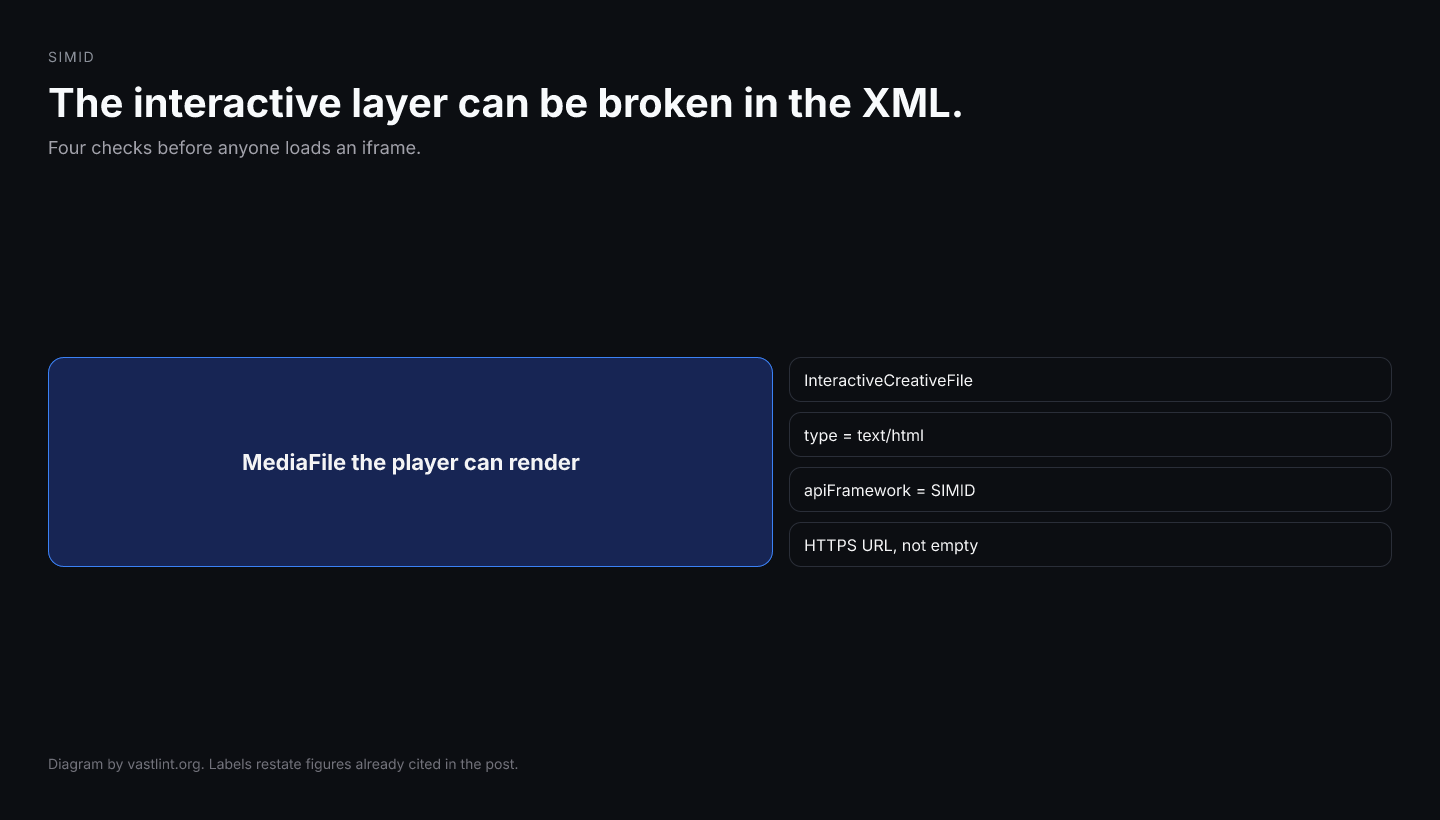
SIMID validation in VAST starts with the XML envelope. If InteractiveCreativeFile is missing type=text/html, apiFramework is not SIMID, the URL is HTTP or empty, or there is no MediaFile fallback, the interactive layer is already broken before the player loads the iframe.
vastlint can catch those VAST-side SIMID mistakes in the web validator, CLI, and tester. What it cannot do is prove the SIMID handshake. createSession, postMessage, and X-Frame-Options only show up when you load the creative HTML. Validate the envelope first, then test the live tag.
What SIMID is doing in the tag
IAB Tech Lab positions SIMID as the secure replacement for VPAID. The VAST side is InteractiveCreativeFile inside MediaFiles: type=text/html, apiFramework=SIMID, and a URL the player loads in a sandboxed iframe. The player keeps media playback. The creative talks over postMessage.
Players that do not support SIMID skip the interactive file and play the MediaFile. That fallback is why a SIMID tag still needs a real video rendition. VPAID-era tags that only ship a JavaScript file fail as error 901 on CTV.
What SIMID XML validation can catch before playback
- InteractiveCreativeFile missing type, or type that is not text/html.
- apiFramework missing, misspelled, or still set to VPAID.
- Empty creative URL, HTTP URL on an HTTPS page, or a data: HTML blob the player will not fetch.
- No MediaFile fallback next to the interactive file.
- variableDuration set to a value other than true or false.
- Nonlinear SIMID that is missing the IFrameResource path used in SIMID 1.1.
<MediaFiles> <MediaFile delivery="progressive" type="video/mp4" width="1280" height="720"> <![CDATA[https://cdn.example.com/video.mp4]]> </MediaFile> <InteractiveCreativeFile type="text/html" apiFramework="SIMID"> <![CDATA[https://cdn.example.com/simid/creative.html]]> </InteractiveCreativeFile></MediaFiles><MediaFiles> <InteractiveCreativeFile type="application/javascript" apiFramework="VPAID"> <![CDATA[http://cdn.example.com/vpaid.js]]> </InteractiveCreativeFile></MediaFiles>Get VAST spec updates, platform guides, and release notes in your inbox.
What the SIMID rule set should complain about
- VAST-4.1-interactive-creative-type because the MIME type is not text/html.
- VAST-4.1-vpaid-apiframework or SIMID-1.0-simid-apiframework-case because apiFramework is still VPAID or the wrong case.
- SIMID-1.0-simid-url-https because the creative URL is HTTP.
- SIMID-1.0-simid-mediafile-required because there is no MediaFile fallback.
- Player error 901 if a VPAID unit still ships to CTV; error 902 if a SIMID file is present but fails at runtime.
Which channel to use
- The web validator at vastlint.org/validate is the fastest paste check for InteractiveCreativeFile attributes.
- The VAST tester at vastlint.org/tester fetches a live URL and is the right next step after the envelope is clean.
- The SIMID explainer at vastlint.org/docs/simid/ still titles What Is SIMID. Its paste CTA opens the tester.
- The CLI is the launch gate: vastlint check simid.xml. Use --fail-on-warning when SIMID hygiene should block traffic.
vastlint check simid-example.xml --format json vastlint check simid-example.xml --fail-on-warningWhat SIMID XML validation cannot prove
A valid InteractiveCreativeFile is necessary. It is not the same thing as a working SIMID session. The player still has to load the HTML, accept postMessage, and complete createSession. A JavaScript error, a missing iframe sandbox flag, or X-Frame-Options only shows up in a live host.
Validate the XML first. Then paste the live tag into the tester. Use error 901 and 902 pages when the player already printed a code.
Related docs on vastlint
Meaning, SIMID vs VPAID, and paste-into-tester CTA.
Envelope checks versus live fetch and handshake.
Fetch a live SIMID tag and preview the creative.
Paste XML for InteractiveCreativeFile rule checks.
General VPAID failure; migrate to SIMID.
InteractiveCreativeFile failed at runtime.
Test the live SIMID tag
Paste a URL or XML into the tester after the envelope is clean. Use the validator when you already have resolved XML.
Open the VAST tester