Three pages on vastlint.org get used as if they were one button. Validate pastes XML you already hold. The tester fetches a live tag URL, follows wrappers far enough to preview creative, tracking, and click URLs. The inspector walks the chain hop by hop and shows where it breaks. They share a rule catalog. They do not share a job.
The mix-up is operational, not branding. A trafficker copies a VASTAdTagURI out of GAM, pastes it into a box labeled validator, and gets a green wrapper. The inline on hop three still has no Duration, an HTTP MediaFile, or an InteractiveCreativeFile the player will never load. The document they pasted was never the document that plays.
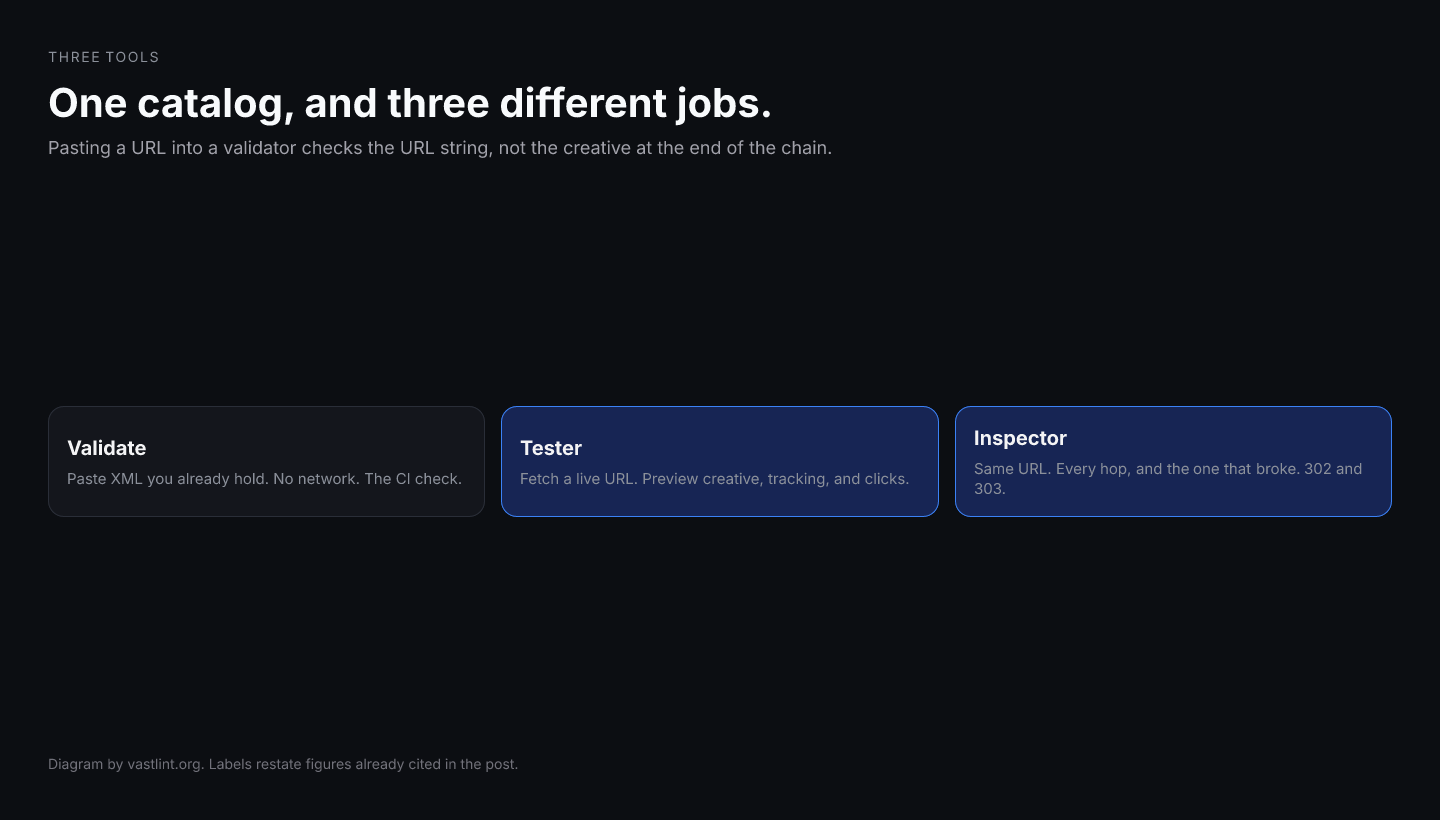
What each page actually measures
Validate is a document check. You paste or upload XML. The catalog runs on that tree. No network. No player. No second host. If the file in git is the file that will play, this is the right tool. CI belongs here.
The tester is a live-tag check. You paste a URL. It fetches, resolves wrappers enough to show you the creative, the tracking pixels, and the click-through. That is the path when a partner says the tag works in our tool and you only have their URL.
The inspector is a chain check. Same live URL, different output: every hop, every redirect, wrapper depth, and the InLine at the bottom. When fill dies as VAST error 302 or 303, this is the page. Validate will not tell you hop four 404s. The tester will show a preview if something eventually plays. The inspector names the hop that did not.
<VAST version="4.2"> <Ad> <Wrapper> <VASTAdTagURI>https://ssp.example/vast?id=abc</VASTAdTagURI> <Impression>https://adserver.example/imp</Impression> </Wrapper> </Ad></VAST>Why hop one looks fine
A Wrapper is allowed to be thin. Impression pixels on the wrapper are real. Duration is not on the wrapper. MediaFiles are not on the wrapper. SIMID lives on the inline InteractiveCreativeFile. OMID AdVerifications often appear only after the last redirect. Checking the wrapper against linear-creative rules is a category error.
IAB recommends keeping wrapper depth bounded. The number is a chain property. You cannot observe it on a pasted wrapper document that never fetched the next URI. That is why a green paste and a dead device are compatible.
Get VAST spec updates, platform guides, and release notes in your inbox.
A working split
- File in the repo, CI, or a trafficking export you already unwrapped: validate.
- Partner sent a URL, you need to see creative, clicks, and trackers: tester.
- VAST 301, 302, 303, timeout, or allowMultipleAds dying mid-chain: inspector.
- Do not substitute /ad-tag-tester/ for either. That path is an alias, not a third job.
Run the live hop
vastlint is independent of IAB Tech Lab. The pages cite the VAST spec because that is where Duration, wrappers, and error codes live. A green wrapper paste is not a green session. Fetch the URL. Then walk the hops.
Test the live tag
Paste the VAST URL the player will call. Preview creative, tracking, and clicks on the tester. If the chain is the question, open the same URL on the inspector and read every hop.
Open the VAST tag testerNext
Hop-by-hop wrapper chain. Depth, redirects, InLine handoff.
Paste a document you already have. No fetch.
Which tool for which artifact.