Short answer
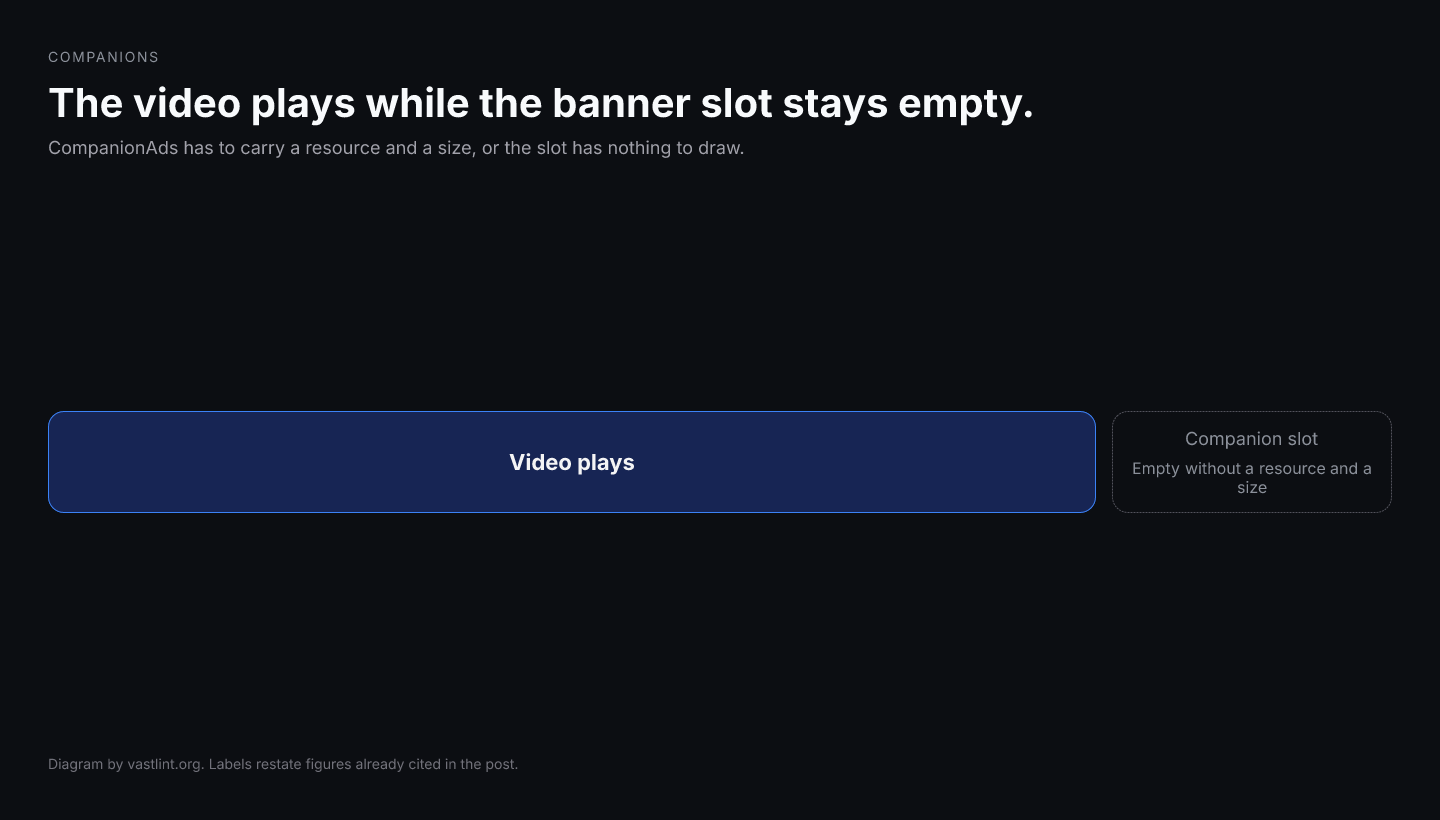
Companion validation in VAST starts with the XML. If CompanionAds is missing, a Companion has no StaticResource, IFrameResource, or HTMLResource, or width and height are absent, the banner slot never fills even when the video plays.
vastlint can catch empty companions and missing dimensions in the web validator and CLI. Slot matching still depends on the page. Ship 300x250 plus a large format, then paste the resolved tag. Most CTV players ignore companions.
What companion ads are doing in the tag
Companions are display creatives served alongside linear video. The page or app, not the video decoder, renders them. VAST describes the assets in CompanionAds. Each Companion must declare width and height so the host can match a slot.
required=all, any, or none on CompanionAds changes fill behavior. required=all can kill the video if no companion size matches. required=none keeps the video even when the banner misses.
What companion XML validation can catch before playback
- Companion with no renderable resource.
- Companion missing width or height.
- required set to a value other than all, any, or none.
- Unknown children under CompanionAds.
- Wrapper hops that drop CompanionAds when followCompanions is false.
<CompanionAds required="any"> <Companion width="300" height="250"> <StaticResource creativeType="image/png"> <![CDATA[https://cdn.example.com/300x250.png]]> </StaticResource> <CompanionClickThrough> <![CDATA[https://advertiser.example.com/landing]]> </CompanionClickThrough> </Companion> <Companion width="728" height="90"> <StaticResource creativeType="image/png"> <![CDATA[https://cdn.example.com/728x90.png]]> </StaticResource> </Companion></CompanionAds><CompanionAds required="all"> <Companion> <!-- no width, height, or resource --> </Companion></CompanionAds>Get VAST spec updates, platform guides, and release notes in your inbox.
What the companion rule set should complain about
- VAST-2.0-companion-resource because the Companion is empty.
- VAST-2.0-companion-dimensions because width or height is missing.
- VAST-3.0-companion-required-attr because required is not all, any, or none.
Which channel to use
- The validator at vastlint.org/validate is the paste check for Companion structure.
- The tester at vastlint.org/tester shows which companion assets survived a live fetch.
- The inspector at vastlint.org/inspect is the wrapper chain tester when companions vanish after a hop.
- Problem pages cover companion ads not showing and IAB sizes 300x250 and 728x90.
vastlint check companion-example.xml --format json vastlint check companion-example.xml --fail-on-warningWhat companion XML validation cannot prove
A valid CompanionAds block is necessary. It does not prove the publisher page has a matching slot, or that the image CDN returned 200. Size mismatch is a trafficking problem, not a schema problem.
Validate the XML, ship more than one IAB size, then test the live URL. On CTV, treat a missing banner as expected unless the platform documents companion support.
Related docs on vastlint
CompanionAds, resource types, and tracking.
Empty Companion, required=all, wrappers, CTV ignore.
300x250, 728x90, 160x600, required width and height.
Paste XML for companion rule checks.
Fetch a live tag and review companion assets.
Slot matching, required=all, and the warning that does not block until you fail on warning.
Validate the companion XML
Paste resolved XML into the validator. Fetch a live URL in the tester when you need to see which companions survived the chain.
Open the VAST validator